FocusFlow
A downloadable productivity tool for Windows
FocusFlow
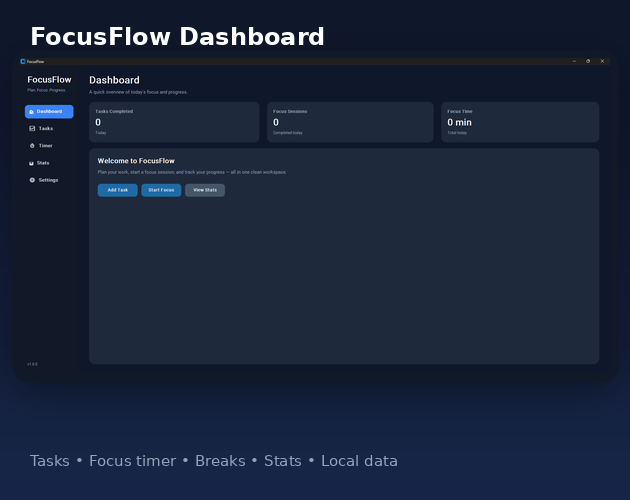
FocusFlow is a clean Windows productivity app for managing tasks, running focus sessions, taking breaks, and tracking your progress.
It is designed to help you stay organized, focus on one task at a time, and build better work habits.
Features
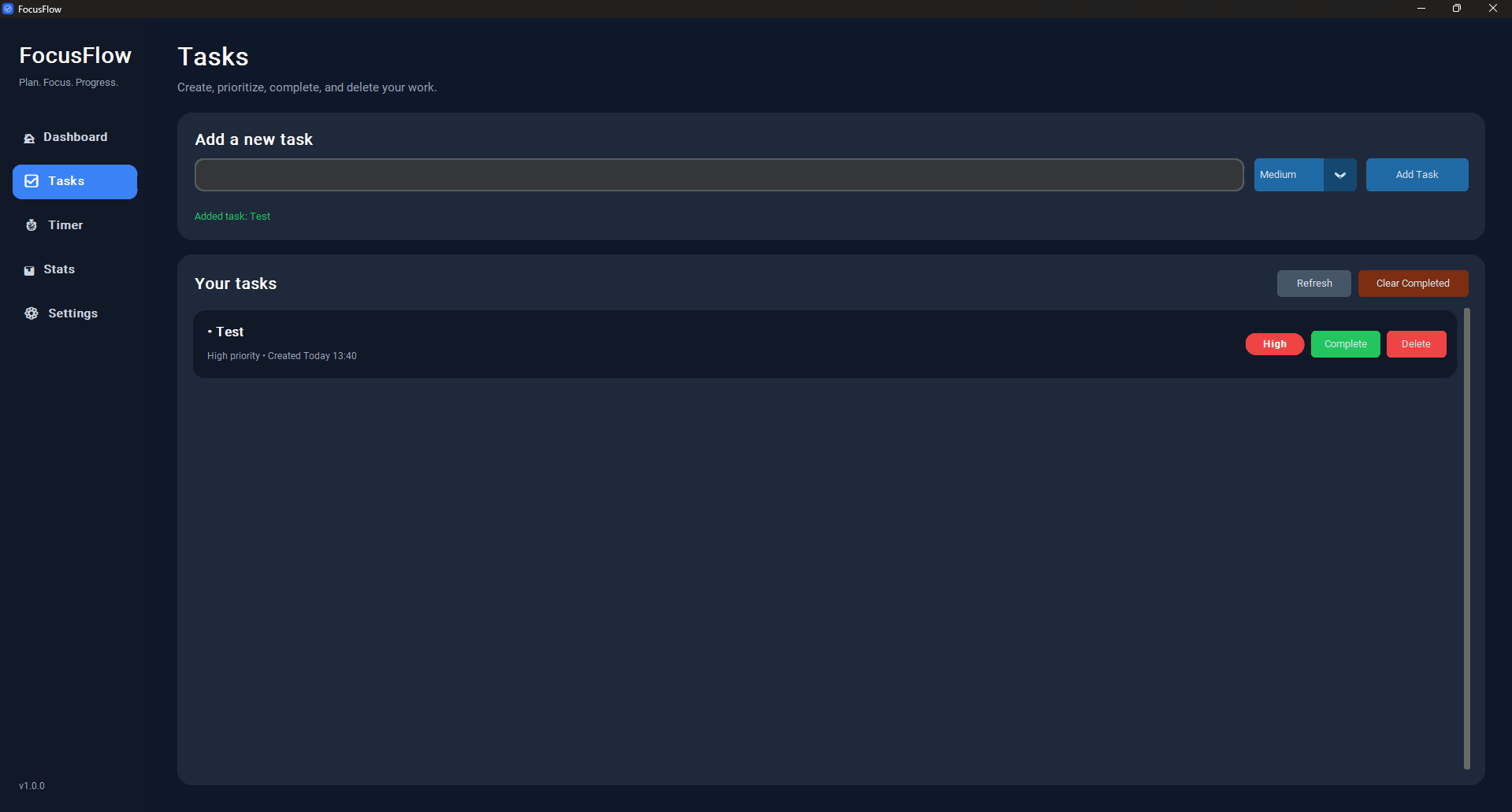
- Create and manage tasks
- Set task priorities
- Mark tasks as completed
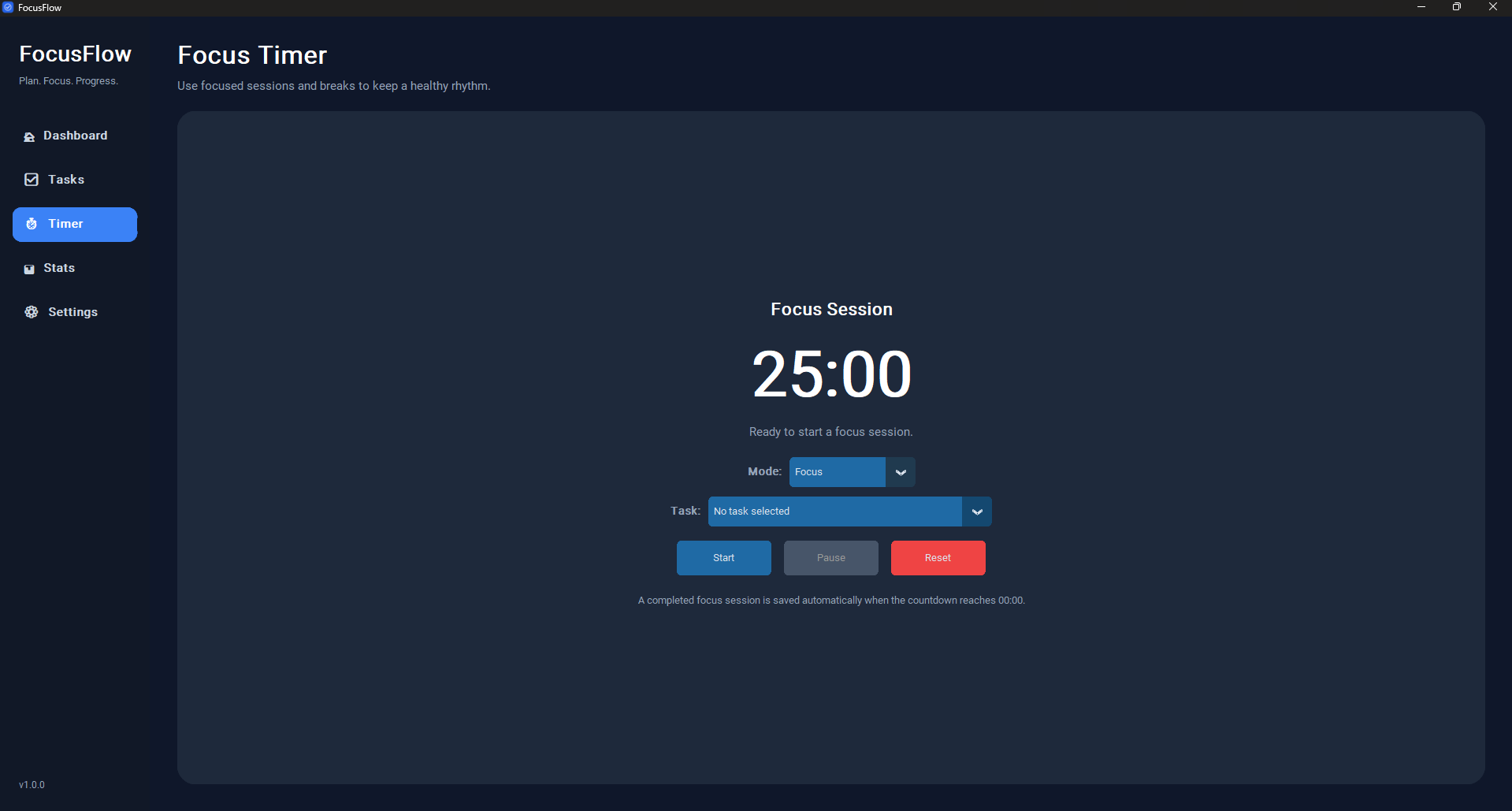
- Focus timer
- Break timer
- Dashboard overview
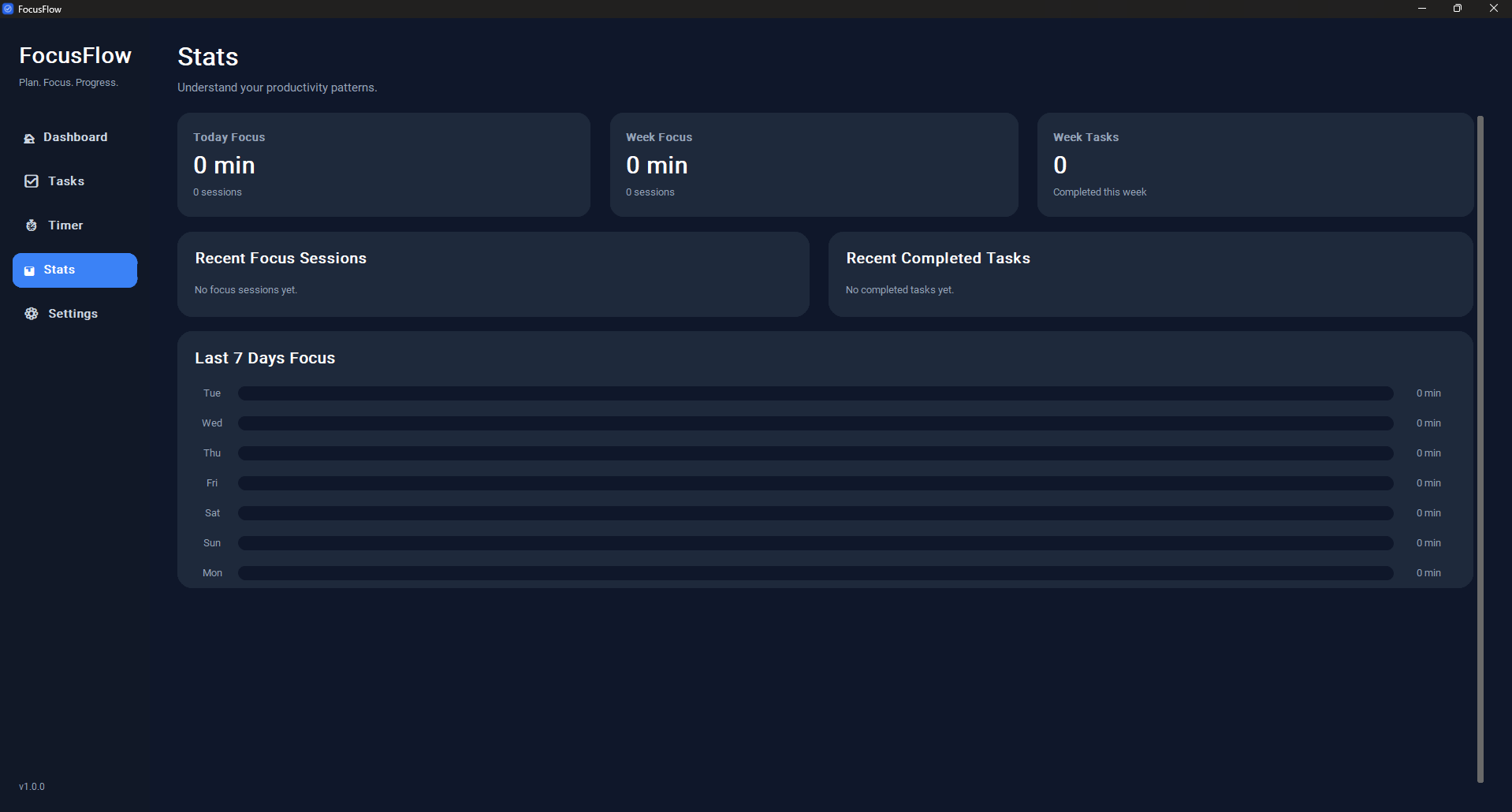
- Productivity stats
- Recent focus sessions
- Recent completed tasks
- System notifications
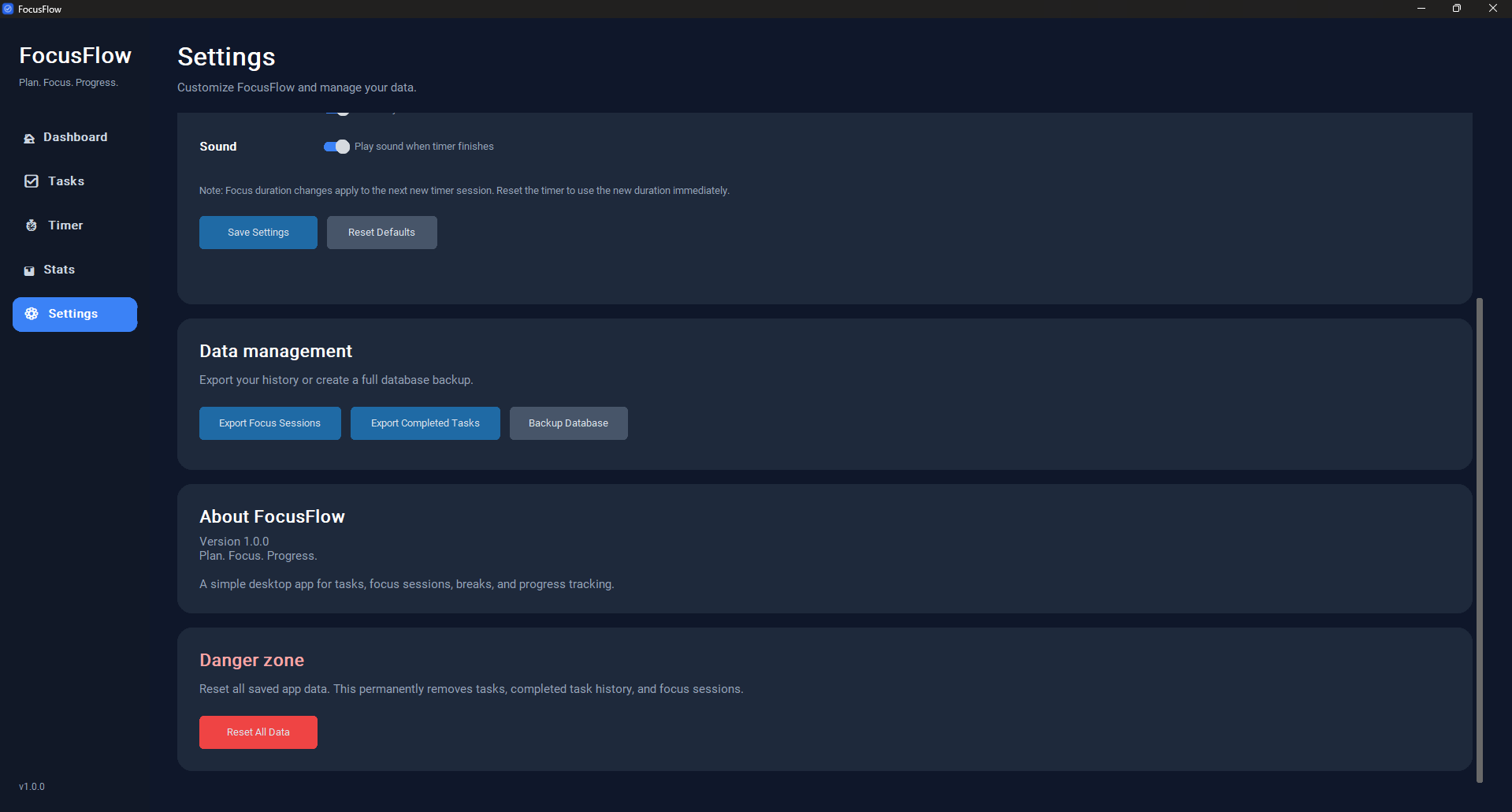
- Completion sound
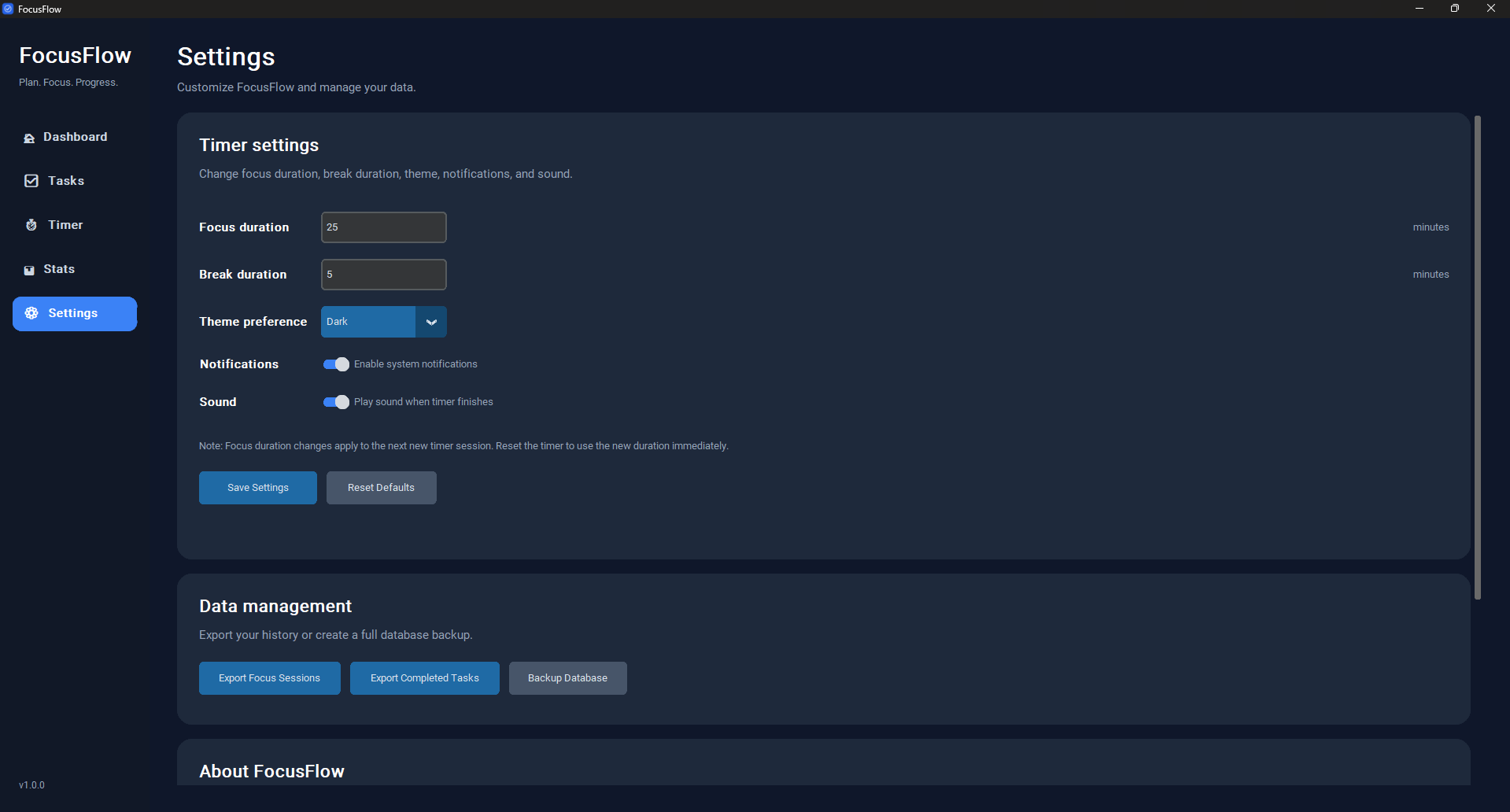
- Editable focus and break durations
- Dark, light, and system theme options
- Export focus sessions to CSV
- Export completed tasks to CSV
- Backup your local database
- Protected reset option
- Local-first data storage
Data Storage
FocusFlow stores your data locally on your computer.
On Windows, your data is usually stored here:
C:\Users\YOUR_NAME\AppData\Local\FocusFlow
Your data is not uploaded to the cloud.
Backup and Export
Inside the app, go to:
Settings → Data Management
There you can:
- Export focus sessions to CSV
- Export completed task history to CSV
- Backup the full database
- Reset all app data if needed
Notes
- FocusFlow is currently made for Windows.
- Windows may show an “Unknown Publisher” warning because the app is not code-signed yet.
- If Windows SmartScreen appears, click More info and then Run anyway if you downloaded the app from the official page.
- Notifications depend on your Windows notification settings.
- If Focus Assist / Do Not Disturb is enabled, notifications may be hidden.
License
FocusFlow is All Rights Reserved software.
You may use the official app for personal use, but you may not copy, modify, redistribute, or sell it without permission.
Version
Current version:
v1.0.0
Download
Install instructions
Installation Guide
Windows
- Download the latest FocusFlow-v1.0.0-windows.rar file.
- Extract the .rar file using WinRAR or 7-Zip.
- Open the extracted FocusFlow folder.
- Double-click FocusFlow.exe.
- Start creating tasks and using the focus timer.
No command line setup is required.
If Windows shows a warning
Because FocusFlow is not code-signed yet, Windows may show an Unknown Publisher or Windows protected your PC warning.
If you downloaded FocusFlow from the official page:
- Click More info.
- Click Run anyway.
Data location
FocusFlow stores your data locally on your computer.
Usually here:
C:\Users\YOUR_NAME\AppData\Local\FocusFlow
Your tasks, settings, stats, and focus sessions are saved there automatically.
Uninstall
To uninstall FocusFlow:
- Delete the extracted FocusFlow folder.
To also remove all saved data:
- Delete this folder:
C:\Users\YOUR_NAME\AppData\Local\FocusFlow